
Affiliate Disclosure: This post contains affiliate links. If you sign up through our link, we may earn a commission at no extra cost to you. This does not influence our opinions. Features and prices were checked in 2026 and can change, so please confirm details on the official GetResponse website before signing up.
The GetResponse landing page builder is one of the most useful tools inside the platform, and many beginners never touch it. A landing page gives visitors one clear action to take, such as joining your email list, and that makes it one of the fastest ways to turn traffic into subscribers.
This guide shows you how to build and publish a landing page step by step, what the builder includes, where it has limits and how to make your page convert better. If you are still deciding whether to sign up, read our GetResponse Free Plan 2026 guide first. For the bigger picture, see our full GetResponse Review 2026 and our GetResponse vs Mailchimp comparison.
GetResponse Landing Page Builder: Quick Overview
| Feature | Details |
|---|---|
| Editor | No-code drag-and-drop |
| Templates | 200+ responsive templates |
| AI page generator | Included |
| Free stock images | Free image library built in |
| Domain | Free GetResponse domain, or connect your own |
| Free plan | 1 landing page, up to 1,000 unique visits per month |
| Integrations | Works with email marketing, forms, popups, analytics and tracking pixels |
| Best for | Bloggers, affiliate marketers, small businesses, course creators |
Builder limits and allowances were checked in 2026. GetResponse updates its plans from time to time, so confirm the current details on the official GetResponse landing page builder page.
What Is a Landing Page and Why Does It Matter?
A landing page is a standalone web page built for one goal. Unlike your blog or home page, it has no distracting menus or sidebars. The visitor sees a headline, a short explanation of the benefit and one button or form.
For email marketers, the goal is usually to collect an email address in exchange for something useful, like a checklist, a guide or a discount. Because every page element points to the same action, a good landing page usually converts better than a signup form buried in a sidebar.
This matters most for affiliate marketers and bloggers. If your traffic comes from search, social media or paid ads, a landing page gives that traffic a place to become subscribers instead of leaving and never returning.
Key Features of the GetResponse Landing Page Builder
200+ responsive templates. You can start from professionally designed templates made for lead generation, product promotion, webinars and event signups. Every template adjusts to mobile screens automatically, which matters because a large share of visitors will open your page on a phone.
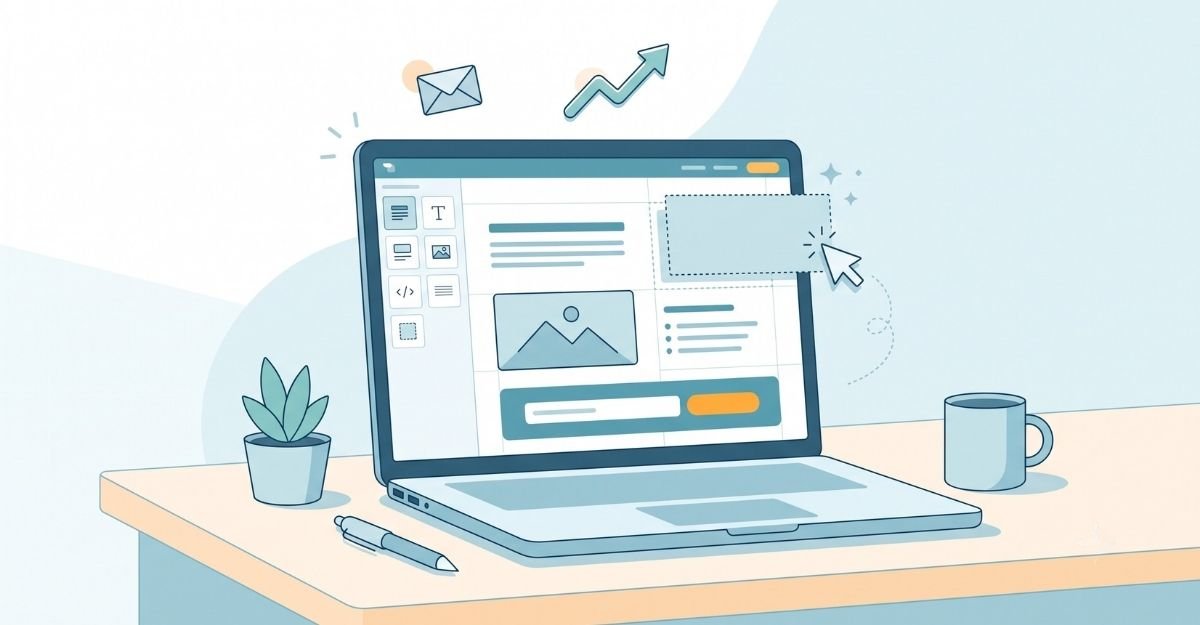
Drag-and-drop editor. You can move headlines, images, buttons, forms and text blocks around without any coding. If you can use a word processor, you can use this editor.
AI landing page generator. You describe your offer and the AI builds a first draft of the page. It saves time, but you should always edit the copy so it sounds like you and matches your real offer.
Built-in free images. A free stock image library is available inside the editor, so you do not need to look for pictures elsewhere.
Free domain or your own domain. You can publish on a GetResponse domain to get started quickly, or connect your own domain for a more professional look.
Connected to your email list. Signup forms on your page send new subscribers straight into your GetResponse list. On paid plans, you can then trigger automated emails, such as a welcome sequence.
Analytics and tracking. You can connect tracking tools, such as analytics and pixels, so you can see where visitors come from and how many convert. Some of these options are limited on the free plan.
How to Build a Landing Page in GetResponse: Step by Step
Create your account
Sign up for a free GetResponse account. You do not need a credit card to start, and new accounts usually receive a trial of premium features so you can test everything before deciding.
Open the landing page builder
Log in, open the main menu and choose the landing pages option. Then click the button to create a new landing page.
Choose how to start
You will usually see two paths. You can pick a template from the library, or you can use the AI generator and describe your page. Beginners usually get the best result by choosing a template that matches their goal, such as “free guide download” or “newsletter signup”, and then customising it.
Write a clear headline
Your headline is the most important part of the page. It should say what the visitor gets in plain words. For example:
- Weak: “Welcome to my newsletter”
- Better: “Get my free 5-minute weekly guide to smarter email marketing”
Keep it short, specific and focused on the benefit.
Add supporting text and a benefit list
Under the headline, add two or three short sentences explaining what the visitor will receive. Then add three bullet points that describe the main benefits. Avoid long paragraphs. Visitors skim landing pages.
Replace the images
Swap the template pictures for images that fit your topic. Use the built-in image library or upload your own. If you offer a downloadable guide, a simple cover image makes the offer feel real.
Set up the signup form
Click the form block and choose the list where new subscribers should go. Keep the form short. Asking for only a name and an email address works best, and asking for more usually lowers signups.
Customise the button
Change the button text from a generic “Submit” to something specific, like “Send Me the Free Guide”. Choose a colour that stands out from the rest of the page.
Add consent and legal text
Add a short line under the form explaining that people agree to receive your emails and can unsubscribe at any time. Include a link to your privacy policy. This protects you and builds trust.
Preview on desktop and mobile
Use the preview option to check how the page looks on a computer and on a phone. Fix any text that is too long or any image that looks too large.
Check our other article on GetResponse
How to Publish Your Landing Page
Once you are happy with the page, publishing takes only a few steps:
- Click the publish option in the editor.
- Choose your address. You can use a free GetResponse domain to start, or connect your own domain if you want a branded link.
- Save the page and open the live link in a private browser window to confirm it works.
- Test the form by signing up with your own email address and check that the confirmation and welcome email arrive.
After publishing, share the link in your blog posts, social media bio, YouTube description, email signature or paid ads. A landing page only works if people can find it.
Tips to Make Your Page Convert Better
- Offer one clear thing. One page, one goal, one button. Do not add extra links that pull visitors away.
- Give a real reason to subscribe. A useful lead magnet, such as a checklist, template or short guide, beats a vague promise of “updates”.
- Put the main benefit above the fold. Visitors should understand the offer without scrolling.
- Keep the form short. Every extra field lowers signups.
- Use social proof when you have it. A short testimonial or a subscriber count builds trust. Never invent testimonials or numbers.
- Make it fast and mobile friendly. Use compressed images and short text, and always check the mobile preview.
- Review your results. Check how many visitors turn into subscribers, then change one thing at a time, such as the headline or button text, and compare.
Free Plan vs Paid Plans for Landing Pages
The free plan is enough to try the builder and publish a first page. Paid plans give you more room and more tools.
| Area | Free Plan | Paid Plans |
|---|---|---|
| Landing pages | 1 page | More pages, depending on plan |
| Visits | Up to 1,000 unique visits per month | Higher allowances, depending on plan |
| Templates and editor | Available | Available |
| Automation after signup | Not included | Included from the Marketer plan |
| Custom code and some integrations | Limited | More options |
| Support | Limited | 24/7 live chat on paid plans |
Paid prices below are in USD, based on monthly billing at the smallest contact tier:
- Free: up to 500 contacts and 2,500 emails per month
- Starter: from $19/month for 1,000 contacts
- Marketer: from $59/month for 1,000 contacts, with full automation
- Creator: from $69/month for 1,000 contacts, adding webinars and course tools
- Annual billing saves around 18%
Which plan makes sense? If you only need one lead-generation page, start free. If you want a welcome sequence that runs automatically after someone signs up on your page, the Marketer plan is the real upgrade.
Who Should Use the Landing Page Builder
The builder is a good fit if you are:
- A blogger who wants to grow an email list faster
- An affiliate marketer who needs a page to collect subscribers
- A small business promoting one product, offer or event
- A course creator or ebook seller offering a free sample
- A beginner who wants a simple tool without hiring a designer
It may not be the best fit if you need very advanced design control, heavy split testing or a large library of niche conversion tools. Dedicated landing page tools can offer more in those areas, and some reviewers find GetResponse’s builder looks a little dated compared with them. Testing options also vary by plan and may change, so check the official site for the current situation.
Pros and Cons
Pros
- Free plan with a landing page you can publish
- 200+ responsive templates
- No-code drag-and-drop editor
- AI page generator to save time
- Connected directly to your email list and automation
- Free domain option for a quick start
Cons
- Free plan allows only one page and limited visits
- Advanced options and automation need a paid plan
- Design can feel less modern than dedicated landing page tools
- Testing and customisation options are more limited than in specialist tools
Deliverability and Legal Compliance
Wherever your visitors live, you must follow local email laws. That includes CAN-SPAM in the USA, GDPR and UK GDPR in Europe and the UK, CASL in Canada and the Spam Act in Australia. Your landing page should have clear consent wording, a privacy policy link and a simple way to unsubscribe in every email. GetResponse provides consent tools and unsubscribe links, but you remain responsible for collecting permission properly and honouring opt-outs.
Frequently Asked Questions
Is the GetResponse landing page builder free? Yes, there is a free plan that lets you create and publish a landing page within its limits. Paid plans unlock more pages, higher visit allowances and extra features.
Do I need coding skills? No. The builder is no-code, so you can build everything with drag and drop.
How many landing pages can I make on the free plan? The free plan currently allows one landing page. Check the official site for the latest limit.
Can I use my own domain? Yes, you can connect your own domain, though some domain options may depend on your plan. A free GetResponse domain is also available to get started.
Can I use it for affiliate marketing? Yes, for collecting subscribers with a lead magnet. Always disclose affiliate links and follow the rules of your affiliate programs and email provider.
Does the builder work on mobile? Yes. Templates are responsive, but you should still check the mobile preview before publishing.
Is GetResponse better than Mailchimp for landing pages? It depends on your needs. GetResponse offers a larger template library and more built-in marketing tools, while Mailchimp may suit you if you already use it. See our full comparison for details.
Final Verdict
The GetResponse landing page builder is a practical, beginner-friendly way to turn visitors into email subscribers. With 200+ templates, an AI generator and a direct link to your email list, you can go from idea to published page in a single sitting. It is not the most advanced builder on the market, but for bloggers, affiliate marketers and small businesses it covers what you need to start.
The best way to decide is to try it. Start free, publish your first page, see how many visitors join your list and upgrade only when you need automation or more pages.
Ready to build your first page?
Start Your Free GetResponse Account
Affiliate Disclosure: This post contains affiliate links. If you sign up through our link, we may earn a commission at no extra cost to you. This does not influence our opinions. Features and prices were checked in 2026 and can change, so please confirm details on the official GetResponse website before signing up.